
Easy for every guest
Grandparents included: scan the code, pick the photos, done.
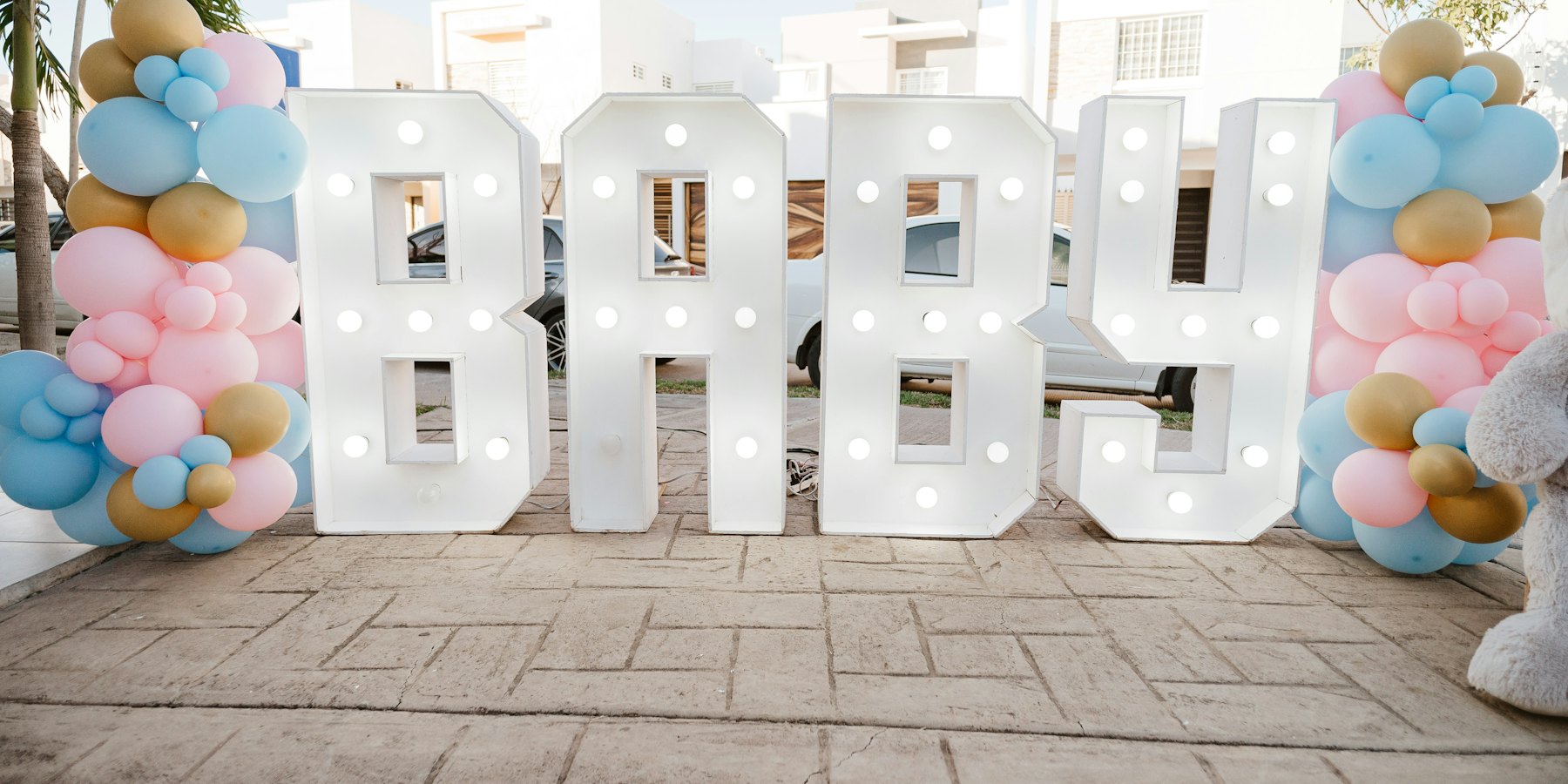
The parents-to-be are busy opening gifts and hugging guests, so they miss half the photos. A QR code on the table lets every guest send their photos and videos straight into your Google Drive or Dropbox.
Free photo & video collection. No app for guests.
Grandparents included: scan the code, pick the photos, done.
Every photo goes into your Google Drive or Dropbox folder.
Photo and video collection costs nothing.
Name the album and connect Google Drive or Dropbox.
On the invitation, the gift table or a little sign by the cake.
Every photo is in one folder, ready for a baby book.
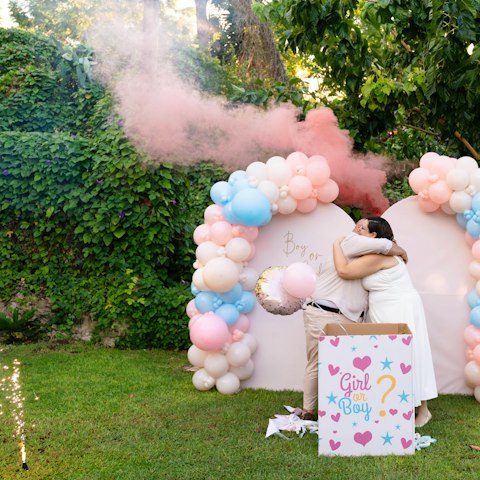
The gifts, the games and the big reveal, from every guest's phone.
No. They scan the QR code with their phone camera and upload in the browser. No download, no account, no password.
Yes. Connect Google Drive or Dropbox, name your album and you get your QR code. Guests can upload as many photos and videos as your storage holds, with no time limit.
Yes, with the optional extras: guests can leave written, voice and video messages, a lovely keepsake for later. Photo collection stays free.
Straight into a folder in your own Google Drive or Dropbox. LazyAlbum never keeps a copy.
More answers in our help centre. Prefer to set it up yourself? Try AlbumHack