
One code on the check-in desk
Any tech scans it with their phone camera. No app to install, no logins to share.
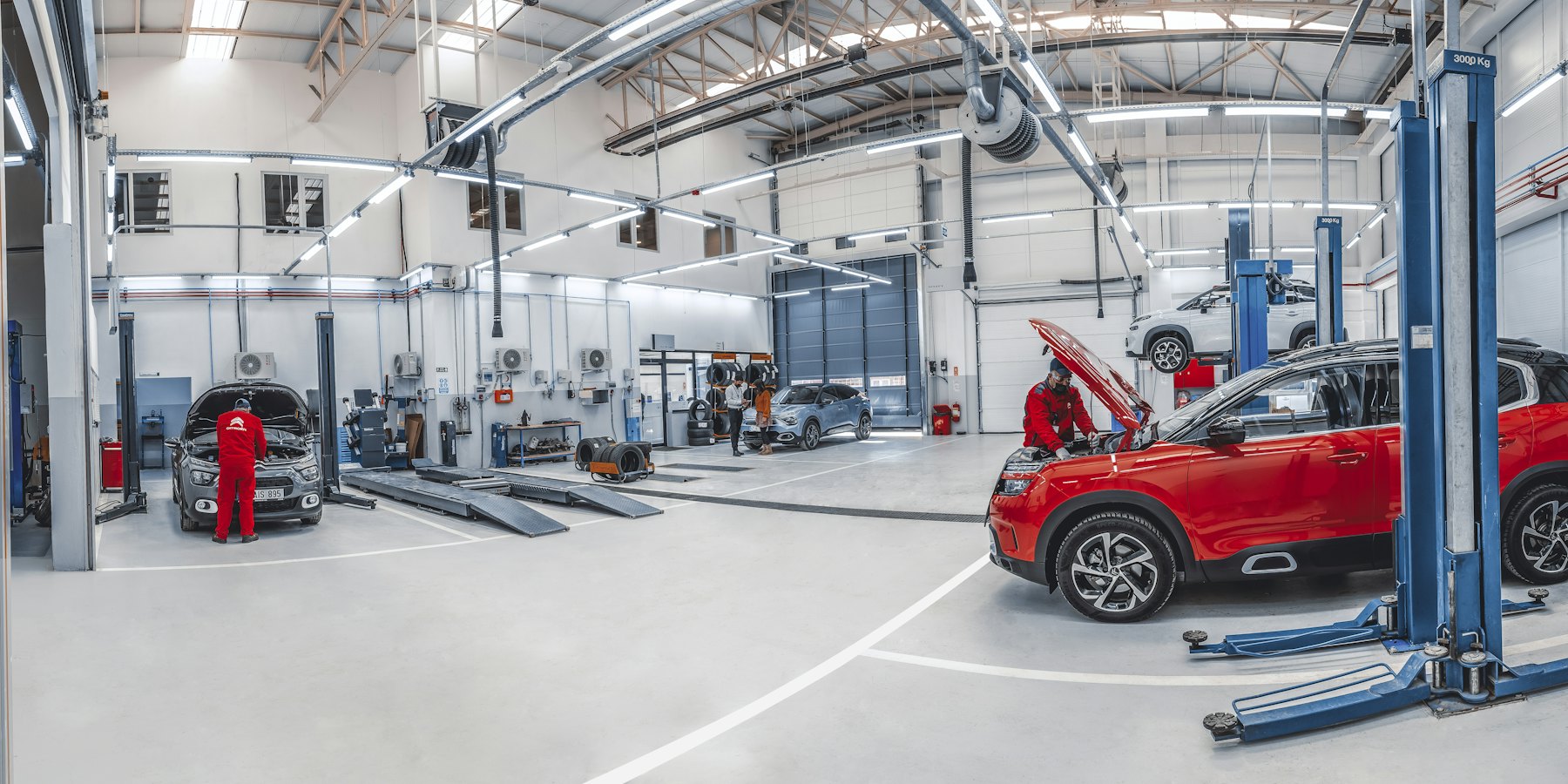
A customer swears the scratch on the rim wasn't there when they dropped the car off. With a QR code on the check-in desk, techs snap a quick walkaround on any phone and the photos go straight into your workshop's Google Drive or Dropbox, where anyone in the office can find them.
Free to use. Nothing to install on anyone's phone.
Any tech scans it with their phone camera. No app to install, no logins to share.
Not on whoever happened to take them. Your Google Drive or Dropbox keeps every photo, with the date it arrived.
With the Google Drive or Dropbox desktop app, the folder sits on your office PC or Mac like any other folder.
Name it after your workshop and connect Google Drive or Dropbox. We make the folder and your QR code.
Print it for the check-in desk, the clipboard or the workshop wall.
4 to 8 photos at drop-off: each panel, the wheels, the odometer. They're in the folder in seconds.
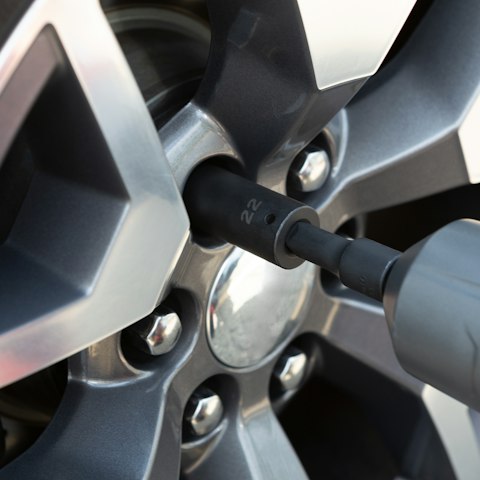
A quick walkaround at drop-off. Every photo in the workshop folder.
No. They scan the QR code with their phone camera and upload from the browser. No download, no account, no password.
They don't have to. Techs can take photos straight from the upload page, and on most phones those aren't saved to the camera roll. Photos they upload from their gallery stay there until they delete them.
Yes. Make a new album (that's what we call a folder and its QR code) for each job or vehicle. Each one is free and takes about a minute. Or use one code for the whole workshop and start each walkaround with a photo of the number plate.
In a folder in your own Google Drive or Dropbox, with the date each one arrived. LazyAlbum never keeps a copy. Install the Drive or Dropbox desktop app to see the folder on your office computer.
Yes. Connect Google Drive or Dropbox and you get your folder and QR code. Upload as many photos as your storage holds.
More answers in our help centre. Prefer to set it up yourself? Try AlbumHack
Get your free upload link in about a minute.
Get my free upload link