
Scan, pick, done
Guests open the camera, scan the code and choose their photos. It takes seconds.

From the arrivals to the last dance, prom gets photographed from every angle. Give everyone one QR code and their photos and videos land in a single folder in your Google Drive or Dropbox, instead of scattered across group chats.
Free photo & video collection. No app for guests.
Guests open the camera, scan the code and choose their photos. It takes seconds.
Everything goes into your own Google Drive or Dropbox folder, in full quality.
Collecting photos and videos costs nothing, however many people share.
Name the album and connect Google Drive or Dropbox. We make the folder and your QR code.
Print the table cards, add it to the tickets and pop it on the screens.
Every photo and video is waiting in one folder the morning after.
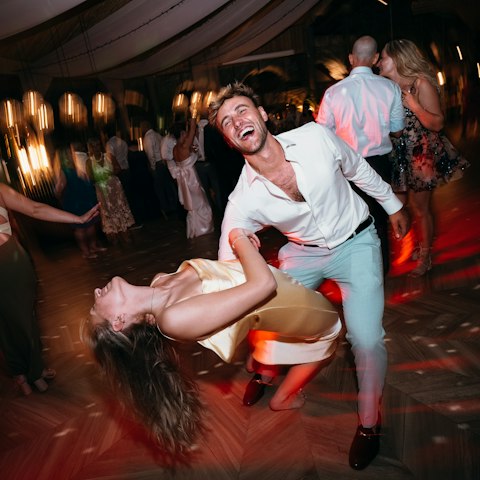
Arrivals, the red carpet and the dance floor, from every phone in the room.
No. They scan the QR code with their phone camera and upload in the browser. No download, no account, no password.
Yes. It works for any prom: Year 11, sixth form, senior prom, or a school formal or ball if that's what you call it. See our page for school formals.
Yes. Photos and videos both go straight to your folder in full quality, as much as your storage holds.
Photos go to your folder first. Share the folder after prom, or add the optional shared gallery so everyone can see photos as they come in.
Yes. Connect Google Drive or Dropbox, name your album and you get your QR code. Guests can upload as many photos and videos as your storage holds, with no time limit.
Straight into a folder in your own Google Drive or Dropbox. LazyAlbum never keeps a copy.
More answers in our help centre. Prefer to set it up yourself? Try AlbumHack