
Full-resolution photos
Originals go straight to your folder, sharp enough for any report.
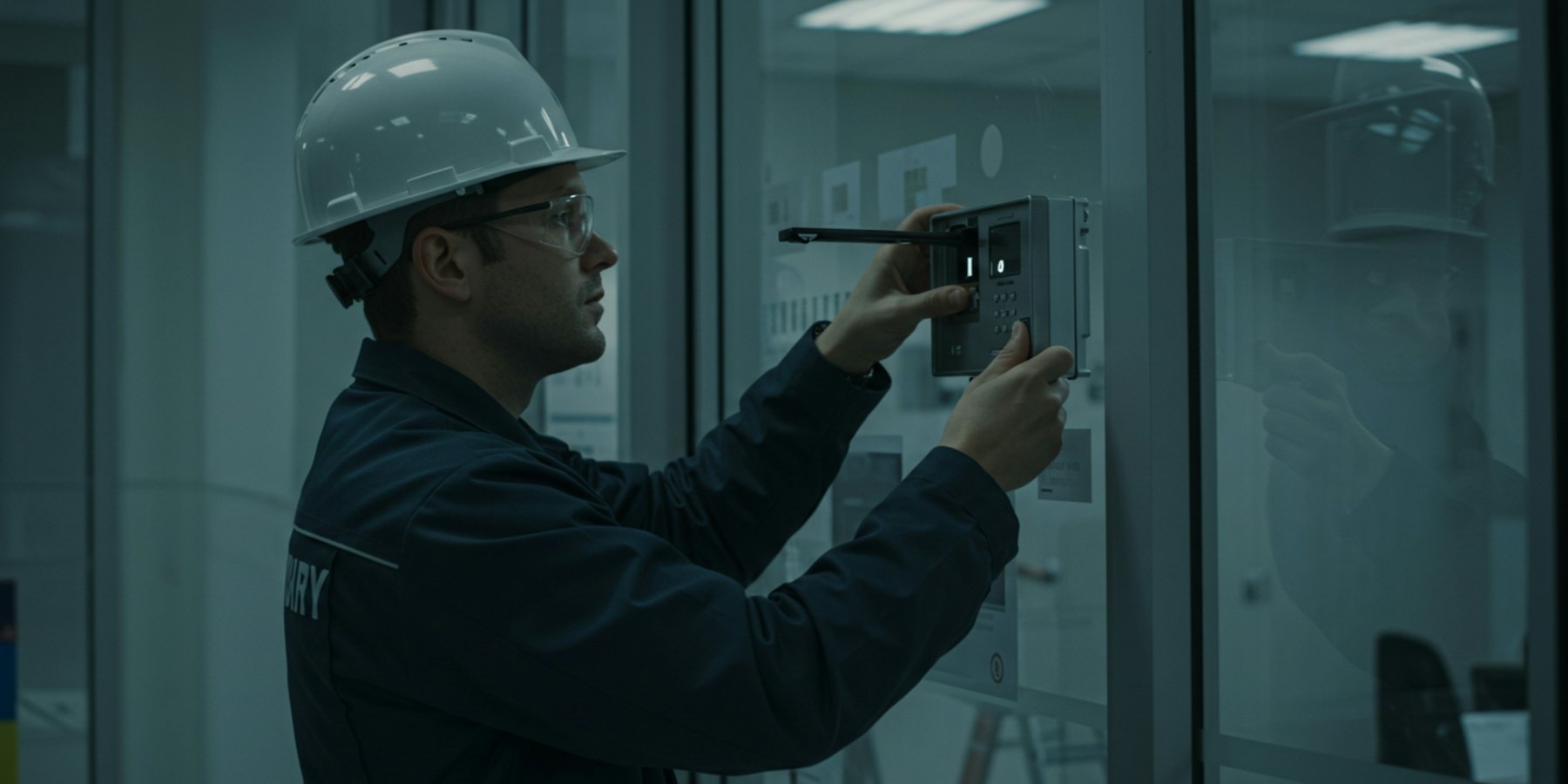
Gate latches, fence gaps, climbable objects, cracked tiles. Snap them on site from a simple upload link and they go straight into your Google Drive or Dropbox, ready for the report. No SD cards, no cables and no fiddly field app.
Free to use. Nothing to install on anyone's phone.
Originals go straight to your folder, sharp enough for any report.
Make a link for each inspection, so every job's photos stay together.
Photos stay in your Google Drive or Dropbox for as long as your records need them.
Name it with the address or job number and connect your Google Drive or Dropbox.
Open the link on your phone, photograph each defect and upload. It works in the browser.
The photos are in the job folder on your office computer, ready to drop into your report.
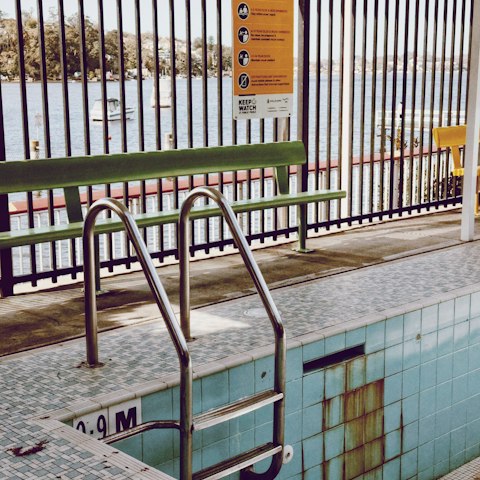
Defect photos from the site, filed by job before you're back at the office.
No. Open your upload link in the phone's browser, take the photos and upload. Nothing to install.
Yes. Make a new album (that's what we call a folder and its upload link) for each address or job number. Each one is free and takes about a minute.
As long as you keep them. They're files in your own Google Drive or Dropbox, so they stay there until you delete them. LazyAlbum never keeps a copy.
Yes. Share the link or QR code with anyone on the job and their photos go into the same folder. They can't see or delete anyone else's.
Yes. Make as many job folders as you like and upload as much as your storage holds.
More answers in our help centre. Prefer to set it up yourself? Try AlbumHack
Get your free upload link in about a minute.
Get my free upload link