
One code for the year group
Print it on the tables, add it to the ticket email or put it on the slideshow screen.
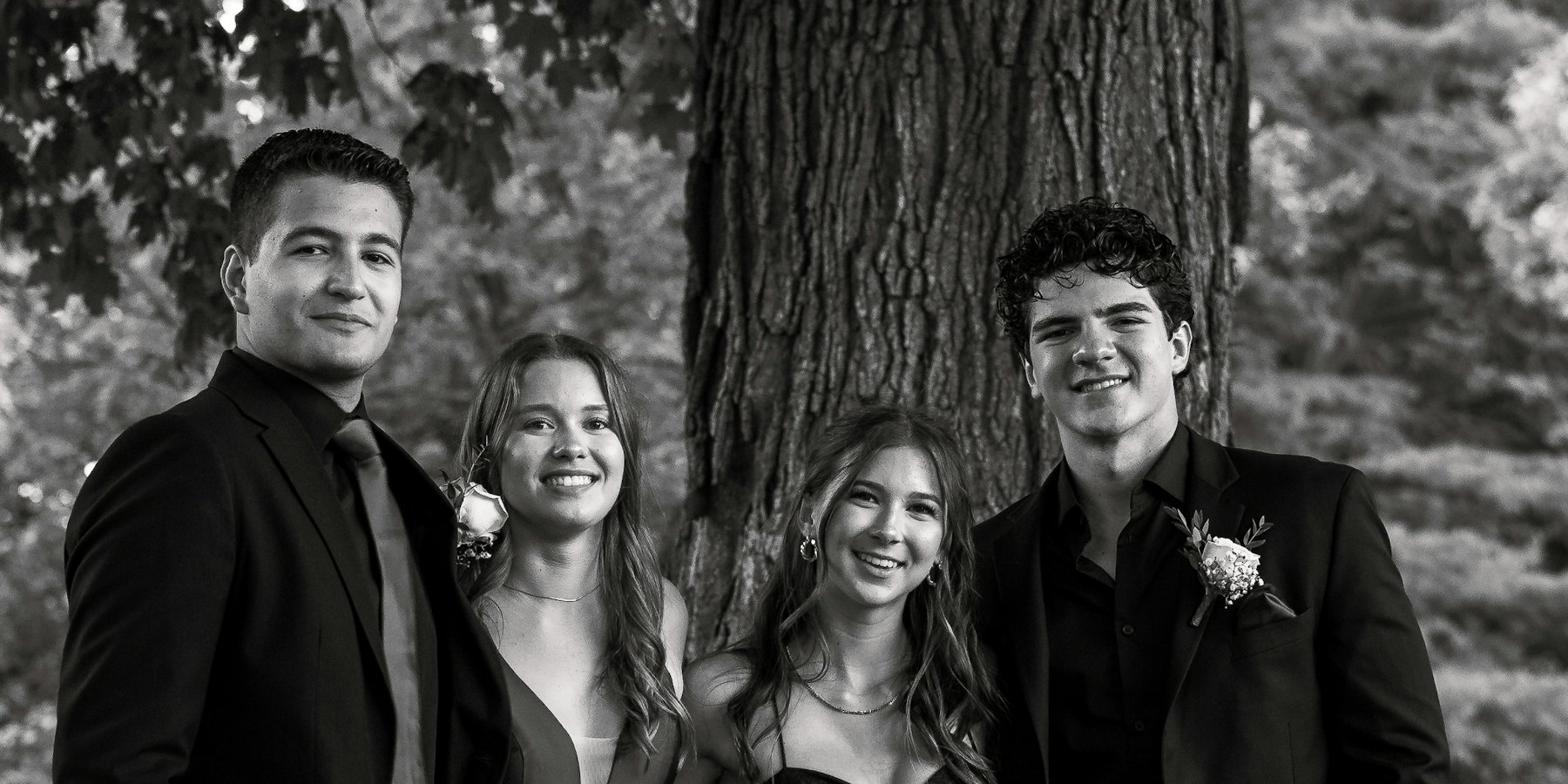
The best photos from the night end up on 200 different phones. Put one QR code on the tables and every student, parent and teacher can drop their photos and videos into one shared folder in your Google Drive or Dropbox.
Free photo & video collection. No app for guests.
Print it on the tables, add it to the ticket email or put it on the slideshow screen.
No group chat squashing every photo. Originals go straight to the folder.
Students, parents and staff just scan and share from their phone's browser.
Name the album and connect the formal committee's Google Drive or Dropbox. We make the folder.
Table cards, the ticket email, the photo booth and the screen at the venue.
Everything lands in one folder, ready for the yearbook, the slideshow or a shared link.
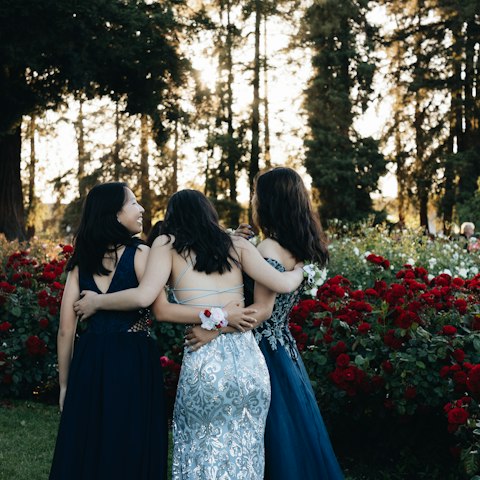
Pre-formal photos, the dance floor and the after-party. All in one place.
No. They scan the QR code with their phone camera and upload in the browser. No download, no account, no password.
Whoever runs the formal: the committee, the year coordinator or a parent. Use a Google Drive or Dropbox the school or committee is happy to hold the photos in.
By default, photos go straight to your folder and only you see them. You can share the folder afterwards, or add the optional shared gallery so everyone sees the photos as they arrive.
Yes. In Australia it's the formal, in the UK and the US it's prom, and in New Zealand it's the school ball. It all works the same way. See our page for prom.
Yes. Connect Google Drive or Dropbox, name your album and you get your QR code. Guests can upload as many photos and videos as your storage holds, with no time limit.
Straight into a folder in your own Google Drive or Dropbox. LazyAlbum never keeps a copy.
More answers in our help centre. Prefer to set it up yourself? Try AlbumHack