
One code on every table
Print it on table cards, the welcome sign or the order of service. Guests scan with their phone camera.
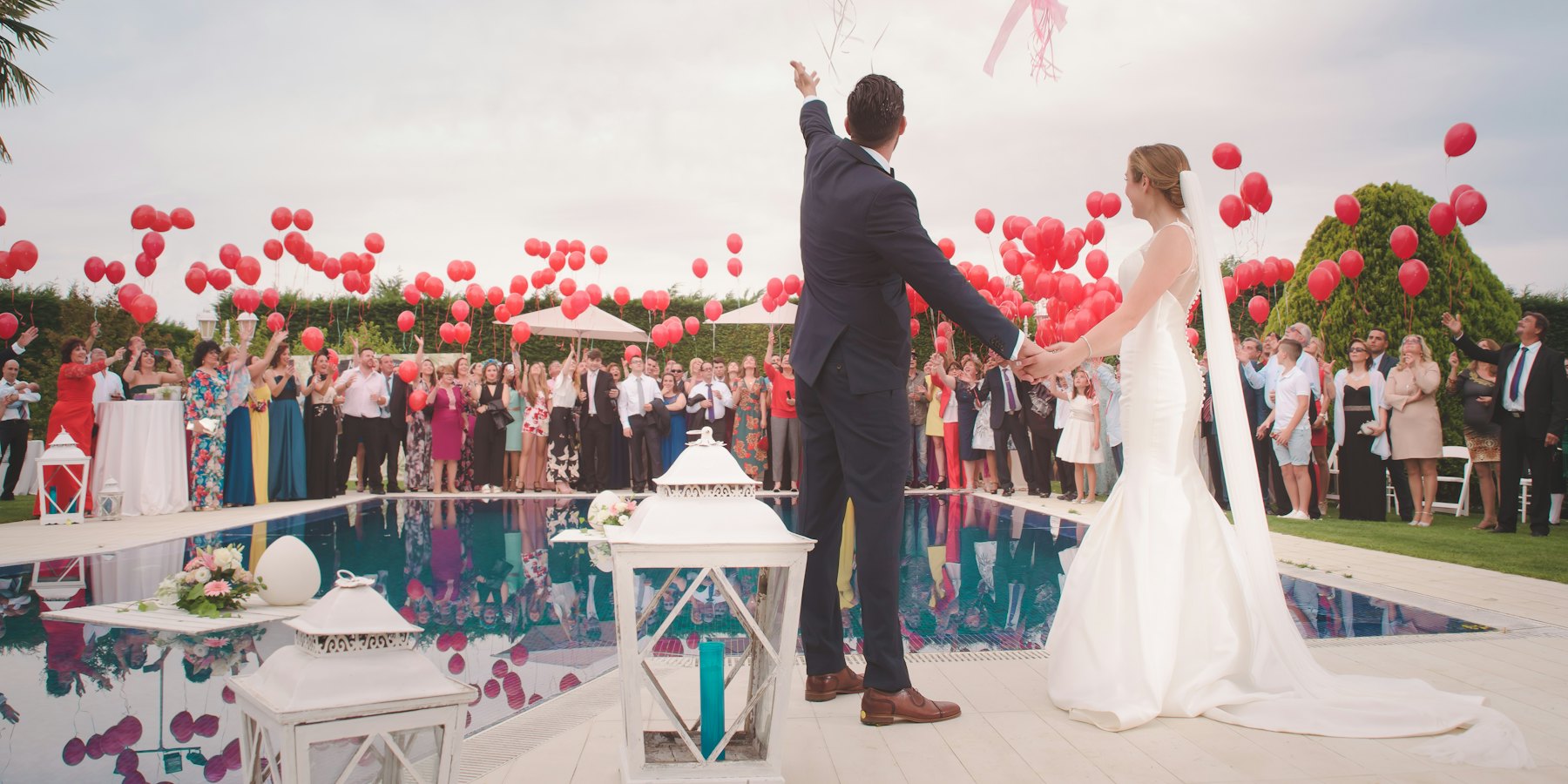
Your guests take hundreds of photos you'll never see: the getting ready, the candid moments, the dance floor. Put one QR code on the tables and they upload straight from their phone into a folder in your Google Drive or Dropbox.
Free photo & video collection. No app for guests.
Print it on table cards, the welcome sign or the order of service. Guests scan with their phone camera.
Originals go straight to your folder, not squashed by a group chat.
Everything lands in your own storage, so you keep every photo with no subscription.
Name the album and connect your Google Drive or Dropbox. We make the folder and your QR code.
Use the printable table cards, or add the code to your welcome sign, invitations or wedding website.
The morning after, every guest's photos and videos are waiting in your folder.
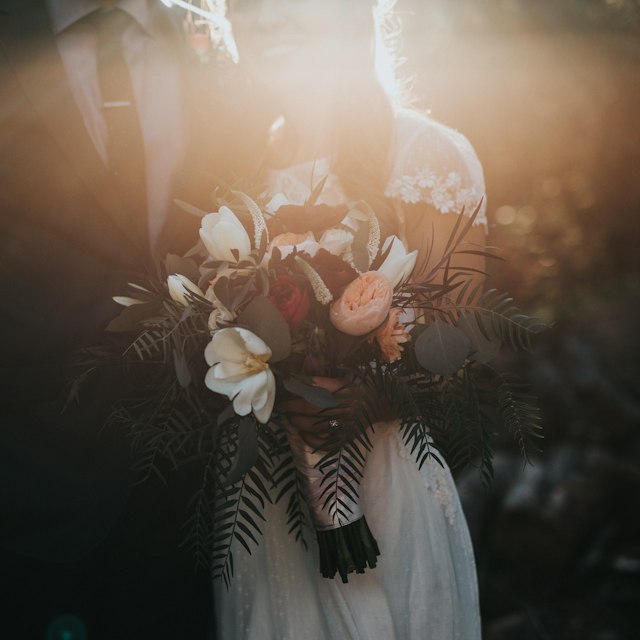
The ceremony, the speeches and the dance floor. Every guest's view, in one place.
No. They scan the QR code with their phone camera and upload in the browser. No download, no account, no password.
Scan, upload, done. Guests upload in their phone's browser with no app download, account or sign-in, even if they don't use Google Drive or Dropbox themselves. Only you connect your storage. Test the QR code with your least technical guest before the wedding, put cards on the tables and at the bar, and ask your DJ or MC to announce it.
Straight into a folder in your own Google Drive or Dropbox. LazyAlbum never keeps a copy.
Yes. Connect Google Drive or Dropbox, name your album and you get your QR code. Guests can upload as many photos and videos as your storage holds, with no time limit.
By default, photos go straight to your folder and only you see them. If you'd like guests to see everyone's photos as they arrive, the optional extras add a shared gallery and written, voice and video messages.
Allow about 5 MB per photo, and more for videos. 100 guests sharing 20 photos each is around 10 GB. A free Google account has 15 GB, and a free Dropbox has 2 GB.
More answers in our help centre. Prefer to set it up yourself? Try AlbumHack