
Kept out of your camera roll
Take photos straight from the upload page. On most phones they go to the folder without being saved to your gallery.
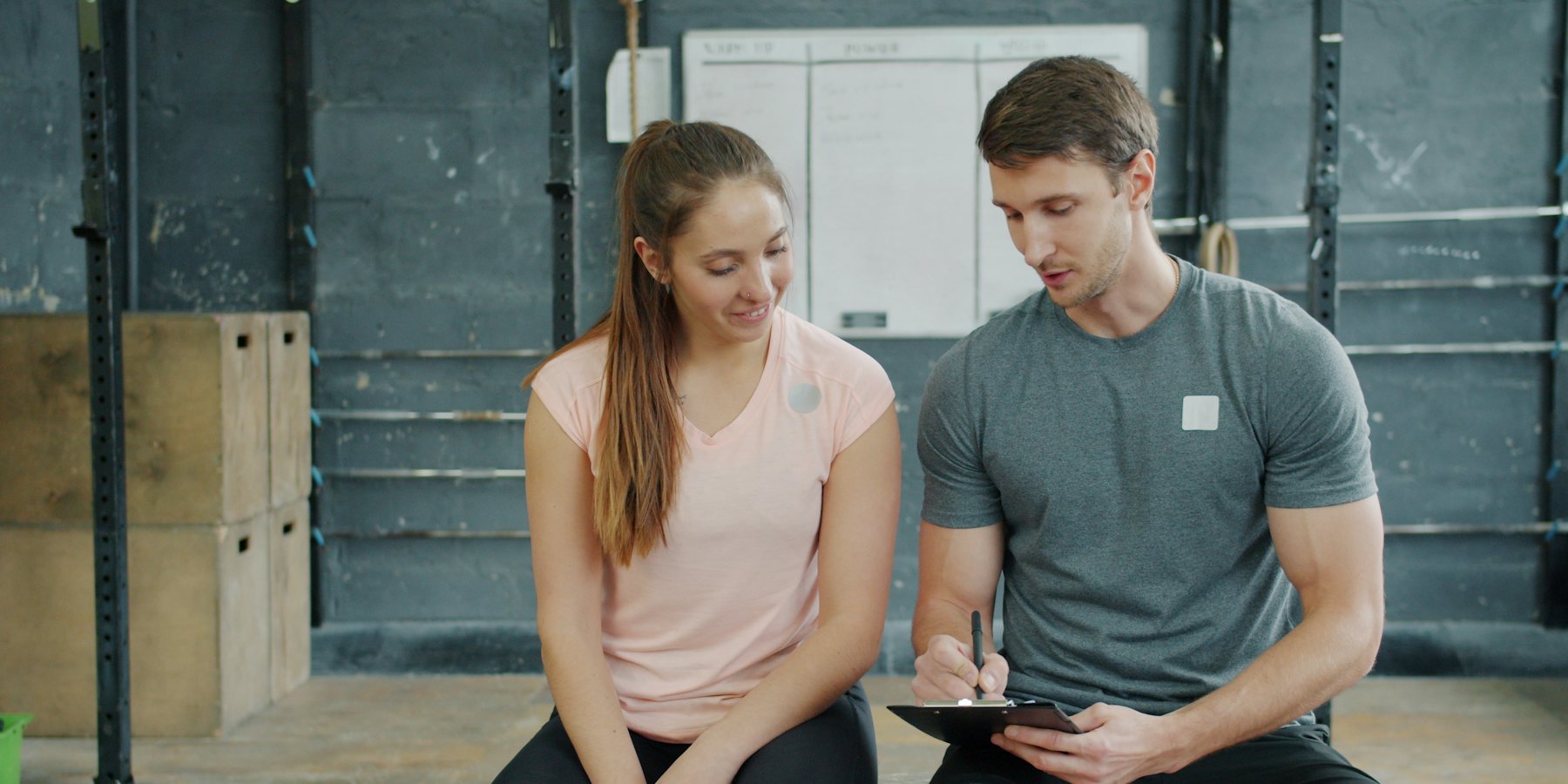
Check-in photos of clients don't belong next to your family photos. Give each client a private upload link, take their progress photos straight from it, and they go into that client's folder in your Google Drive or Dropbox, on your computer too.
Free to use. Nothing to install on anyone's phone.
Take photos straight from the upload page. On most phones they go to the folder without being saved to your gallery.
Make a link for each client. Their photos stay in their own folder.
Use the Google Drive or Dropbox you already have. Collecting photos is free.
Name it after the client and connect your Google Drive or Dropbox. We make the folder and their link.
Open their link on your phone, take front, side and back photos, and upload.
Every check-in is in their folder, on your phone, tablet or computer.

A private folder for every client, with every check-in in order.
Only people with access to your Google Drive or Dropbox folder. The upload page doesn't show anyone else's photos, and LazyAlbum never keeps a copy.
Yes. Send them their link and they can upload from their own phone, with no app or account. They can't see anything else in the folder.
Not if you take them straight from the upload page: on most phones those photos go to the folder without being saved to your gallery.
Yes. Each client folder and link is free, and you can upload as much as your storage holds.
Yes. Get each client's consent for progress photos and tell them where they're kept.
More answers in our help centre. Prefer to set it up yourself? Try AlbumHack
Get your free upload link in about a minute.
Get my free upload link